
Last updated October 31, 2026
 Wrought iron
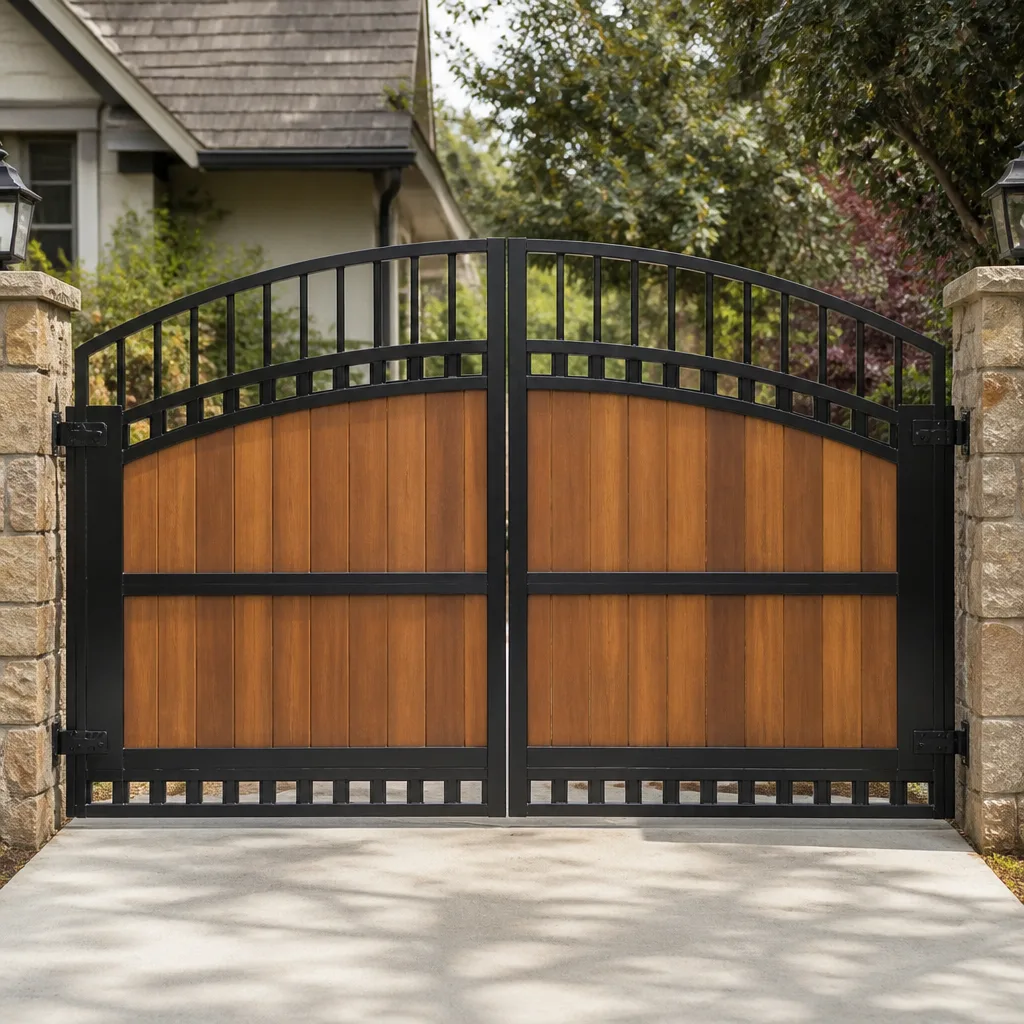 Wood & steel frame
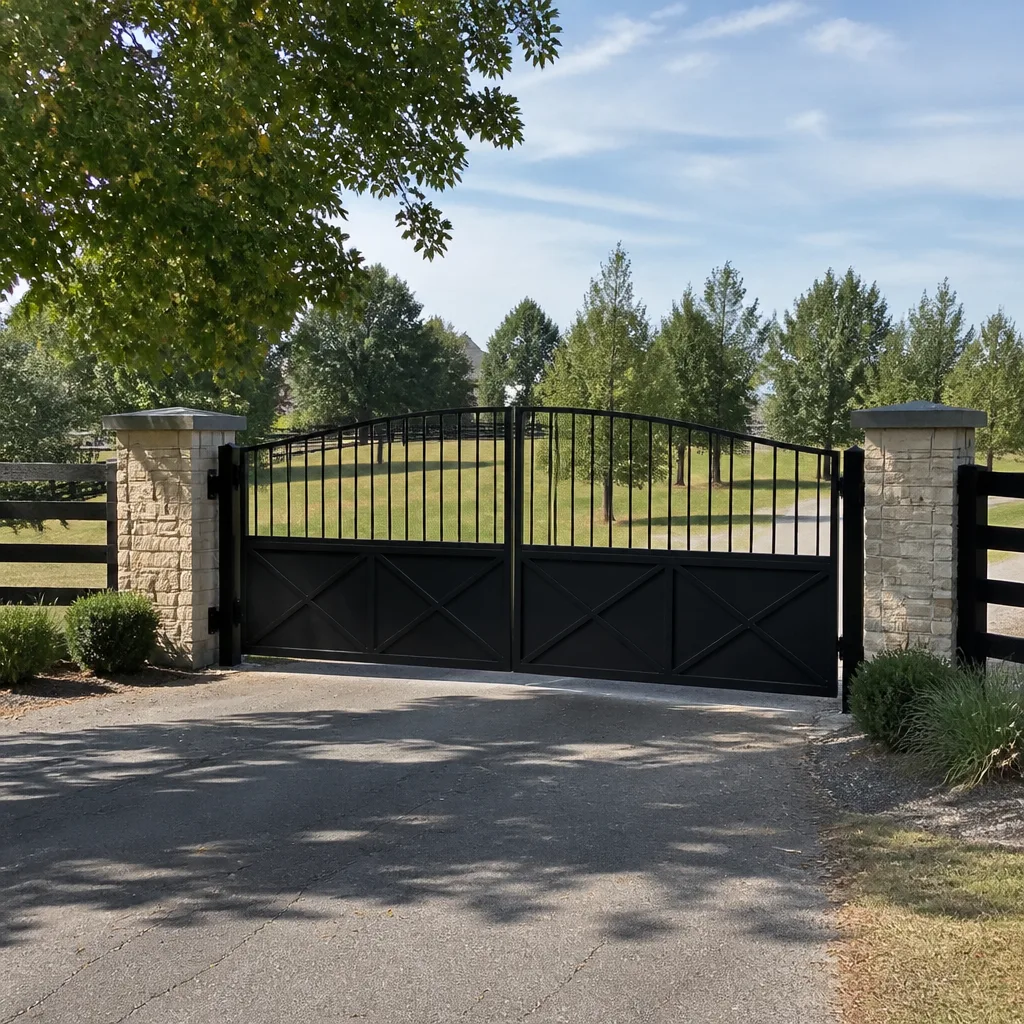 Farm & ranch
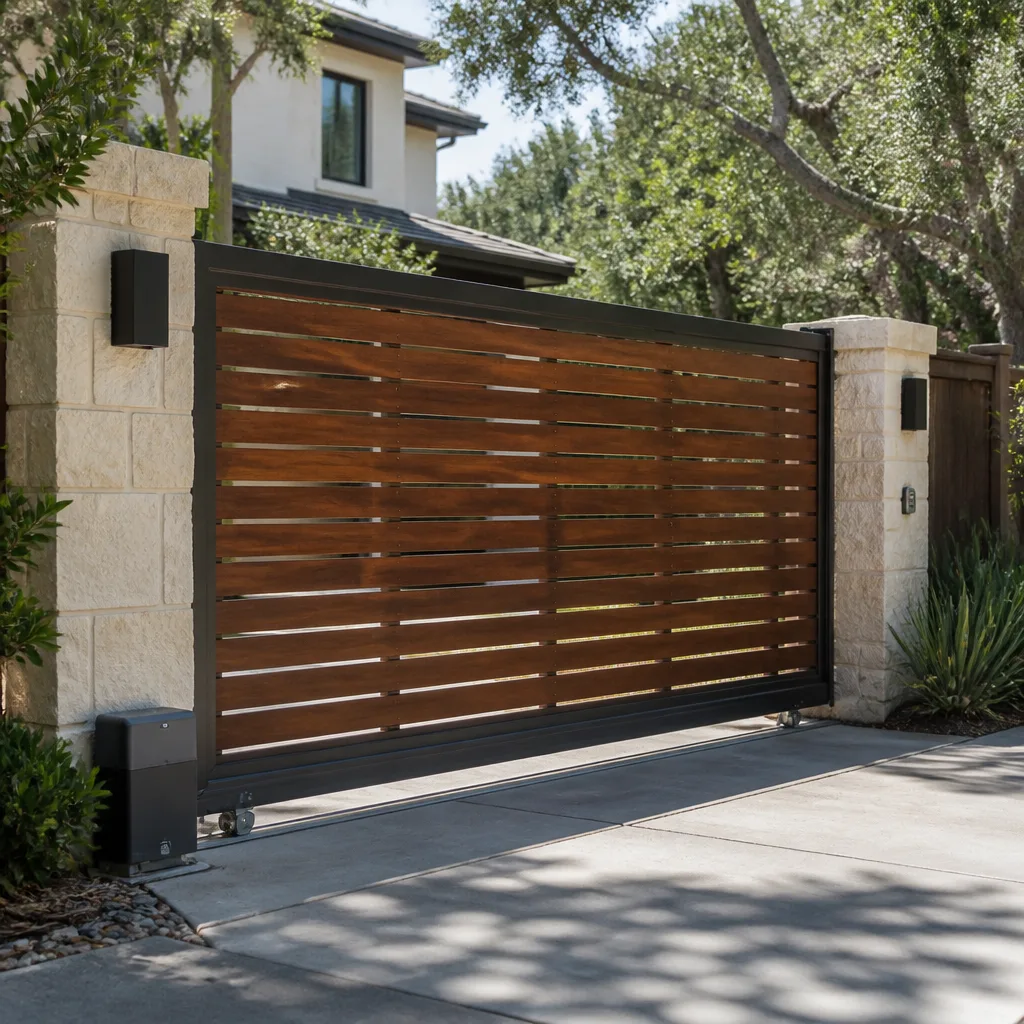 Sliding driveway gates
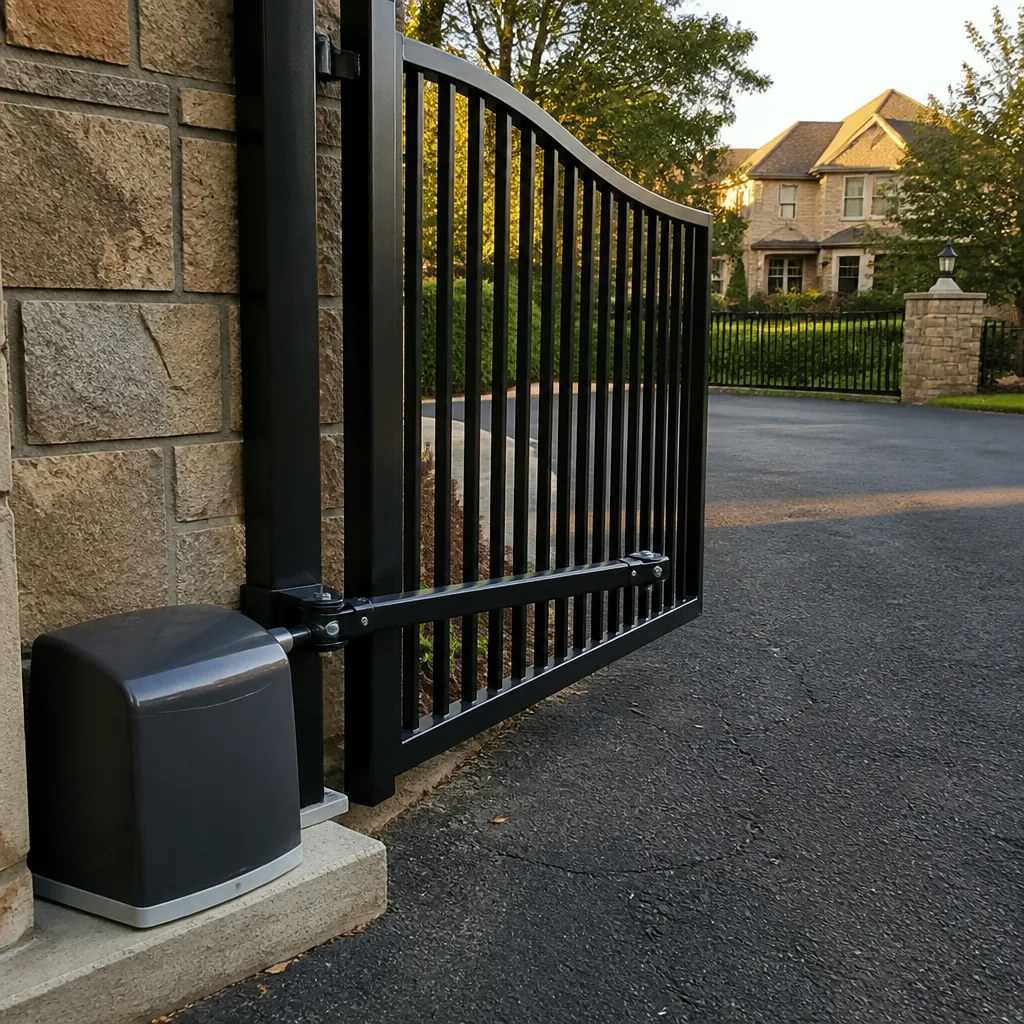 LiftMaster operators
Free on-site gate assessment - hinges, posts, and your LiftMaster or Nice gate operator checked before anything is quoted
The assessment is free and the quote is the invoice.
Get your free estimateGate Repair Troubleshooting: Common Problems and How to Fix Them
Here’s a fact most generic gate repair guides won’t tell you: roughly 70% of service calls we see in Rowlett for “dead” automated gates turn out to be something a homeowner could have diagnosed in under five minutes with a multimeter and a flashlight. That’s not a criticism. Gate automation intimidates people because the control board looks like a small computer, and nobody wants to make a $400 problem into a $1,400 problem. But gates fail in predictable patterns, and those patterns reveal themselves through specific symptoms. A gate that reverses before fully opening is almost never a sensor problem. A keypad that went dead overnight but still has a working remote is rarely a keypad problem. This guide—along with our Gate Repair Warning Signs: A Rowlett Homeowner’s Reference Guide—works backward from the symptom you’re actually seeing to the component that’s actually at fault. By the time you finish it, you’ll know which problems you can fix yourself, which ones require a specialist, and what information to have ready before you pick up the phone.
Quick Answer
When you need our Gate Repair services, troubleshooting starts with identifying whether the problem is mechanical (hinges, rollers, track, chain, gearbox), electrical (transformer, wiring, limit switches, control board), or user-configuration (remote programming, keypad codes, obstruction settings). For automated gates, the operator’s LED fault-code pattern tells you which of these categories the problem falls into before you touch a single component. Most manual gate failures trace to hinge wear or ground settlement, while most automated failures trace to either low-voltage supply issues or obstruction-sensor faults.
Styles & brands we work with
Table of Contents
- Symptom-First Diagnostic Tree: What Your Gate Is Telling You
- How to Read Fault Codes on LiftMaster, Viking, and FAAC Operators
- Dead Operator, Dead Transformer, or Dead Battery: Three Checks That Separate Them
- How to Manually Release and Operate Your Gate Safely
- When a Software Fix Is the Real Repair (And When It’s Hiding a Mechanical Problem)
- Manual Gate Troubleshooting: Hinges, Sag, and Misalignment
- Rowlett-Specific Gate Problems: Clay Soil, Heat, and Power
- Common Mistakes to Avoid
- When to Call a Professional
- Frequently Asked Questions
Symptom-First Diagnostic Tree: What Your Gate Is Telling You
Every gate failure expresses itself as a behavior. The behavior tells you more than the brand name ever will. Here’s the diagnostic sequence we walk through on every call we take in Rowlett, from the simplest to the most complex. Match your symptom, follow the branch, and you’ll land on the likely culprit in less time than it takes to dig out the manual.
Symptom: Gate won’t open at all, no sound, no movement
Most likely causes, in order of probability:
- Power interruption to the operator. Check the outlet or dedicated circuit breaker first. In Rowlett, spring and early-summer storm season knocks out GFCI outlets on exterior runs routinely. A tripped GFCI at the operator or at an upstream outlet costs nothing to check and fixes the problem immediately in about 30% of “dead gate” calls.
- Transformer failure. If the breaker is fine but the operator’s display is dark, the low-voltage transformer may have failed. This is particularly common on systems installed before 2015 that use the original linear transformer.
- Control board failure. If the transformer tests good and the board shows no LEDs, the board itself is likely dead. Before concluding this, read the section on dead operator vs. dead transformer vs. dead battery below.
- Emergency release left engaged. If someone pulled the manual release cord during the last power outage and never re-engaged it, the motor will run but the gate won’t move.
Symptom: Gate opens but reverses before fully open
This is the symptom we referenced in the opening. Here’s what’s happening nearly every time: the operator’s open-direction obstruction sensitivity (sometimes called “force” or “torque” in the programming menu) is set too low for the current condition of the gate. Weather changes this. In Rowlett, winter moisture causes wood gates to swell, increasing resistance. An operator that worked fine in August suddenly reverses in February. That’s not a failing operator. That’s a limit setting that needs recalibration to match the gate’s new mechanical resistance.
The two-minute check:
- Disconnect the operator from the gate using the manual release.
- Push the gate through its full travel by hand. If it binds at any point, you have a mechanical obstruction: a sagging hinge, a wheel off its track, debris in the track, or ground heave from clay soil expansion.
- If the gate moves freely by hand, recalibrate the obstruction sensitivity. On LiftMaster LA400 series operators, this is done by holding the “Learn” button and cycling the gate twice. On older Viking and BFT models, consult the specific model’s programming sequence, but the principle is the same: teach the operator what “normal” resistance feels like.
Key distinction: a gate that reverses at the exact same point every cycle is almost always a mechanical obstruction. A gate that reverses inconsistently is usually a sensitivity setting that’s too tight or a failing capacitor.
Symptom: One leaf of a double-leaf gate lags or stops while the other works fine
Double-leaf gates (also called bi-parting gates) run on two operators or one operator with a mechanical linkage between leaves. When one leaf lags, the cause is rarely electrical. In our experience in Rowlett, the order of probability is:
- Tension adjustment on the lagging leaf. On chain-drive double systems, each leaf has its own tension adjustment. If one chain stretches (and they all stretch), that leaf will open slower and stop short. Retensioning the chain is a 15-minute mechanical fix.
- Worn hinge on the lagging leaf. To confirm: disconnect the operator and swing the leaf by hand. Resistance at any point in the arc points to the hinge.
- Obstruction sensor alignment on the lagging leaf. On systems with independent photo-eyes per leaf, a misaligned sensor will stop that leaf while the other continues. Realign the sensor, clean the lens, and the problem usually resolves.
- Operator-to-gate linkage slippage. On arm-style operators (common in FAAC and BFT residential installations), the arm’s connecting pin can wear, creating slop that looks like lag.
Symptom: Remote works, keypad doesn’t (or vice versa)
This is a receiver-versus-transmitter distinction that most troubleshooting guides conate. If the remote opens the gate but the keypad doesn’t, the operator, receiver, motor, and limit switches are all functioning. The problem is isolated to the keypad’s transmitter, its power source, or its programming. Check, in order:
- Keypad power. Most wireless keypads run on a 9-volt battery. Replace it. This fixes roughly half of all “keypad died” complaints.
- Keypad programming loss. Keypads lose their code when the battery dies or gets removed. Reprogramming takes under five minutes and requires knowing the operator’s “Learn” button location.
- If the keypad is wired (not wireless), check the wire run for damage. Rodents, weed trimmers, and Rowlett clay soil expansion all damage low-voltage wire.
The reverse scenario, where the keypad works but the remote doesn’t, is usually a dead remote battery, a remote that fell out of programming, or a failed receiver board inside the operator. Reprogram the remote before replacing anything.
How to Read Fault Codes on LiftMaster, Viking, and FAAC Operators
Every modern automated gate operator has a diagnostic LED that blinks in patterns corresponding to specific fault conditions. The owner’s manual documents these patterns, but most homeowners don’t know they exist, and they call a technician for what turns out to be a 90-second reset. Here’s what you need to know about reading the three residential brands we work on most often in Rowlett.
LiftMaster LA400 / LA412 / LA500: These operators have a “Diagnostics” LED on the control board. Count the blinks between pauses. A single blink repeated continuously indicates the operator is in “learning” mode or has not completed a limit-setting cycle. Two blinks indicate an obstruction detected during the last cycle. Three blinks indicate a failed limit switch. Five blinks indicate a motor overheat condition (common in Rowlett summers when the operator runs frequently in direct sun). Six blinks indicates a low-voltage supply problem. The specific count matters because it tells you exactly which component to investigate rather than shotgun-replacing parts.
Viking residential operators: Viking uses a small LCD display or a blinking “Fault” LED depending on the model. Most residential Viking units display fault codes as a letter followed by a number. “F1” indicates a photo-eye obstruction. “F2” indicates a motor overcurrent condition. “F3” indicates a limit-switch fault. On models with only an LED, the pattern mirrors LiftMaster: short blinks for minor faults, long blinks for major faults. Write down the pattern before resetting anything. A reset erases the code, and without it, a technician has to recreate the failure to diagnose it.
FAAC residential operators: FAAC boards display fault codes directly on the board’s LED display. Common codes include “01” (no power to the motor circuit), “02” (obstruction or overforce detected), and “05” (limit-switch failure). FAAC boards tend to be more sensitive to voltage fluctuations than LiftMaster or Viking boards, which matters in Rowlett because brownouts during summer storm season are common. A FAAC board that shows intermittent “01” codes during storms is telling you it needs a surge protector, not a new board.
Practical tip: Before calling anyone about an automated gate problem, write down the exact blink pattern or code. That single piece of information cuts diagnosis time down dramatically, which means less labor time on the service call. When a customer calls us with “three blinks, pause, three blinks,” we bring the right part the first time.
Dead Operator, Dead Transformer, or Dead Battery: Three Checks That Separate Them
The symptom is identical: the opener is completely unresponsive. No lights, no sound, no movement. The repair costs, however, vary by a factor of five. Here’s how to tell the difference without specialized equipment.
Check 1: Is there AC power at the operator?
- Find the operator’s power source. On most Rowlett residential installations, the operator plugs into a GFCI outlet mounted nearby. On commercial slide operators, it’s often hardwired to a dedicated breaker.
- Test the outlet with a lamp or a plug-in voltage tester. No power at the outlet? Reset the GFCI button. GFCI outlets on exterior runs trip frequently in humid weather, and Rowlett gets plenty of humidity in spring and fall. If the GFCI won’t reset or trips again immediately, you have a ground fault in the wiring or an appliance plugged into the circuit that’s pulling it down. That’s an electrician issue, not a gate issue.
- If the outlet has power but the operator shows no signs of life, proceed to Check 2.
Check 2: Is the transformer outputting low-voltage DC?
Most residential gate operators run on 24-volt DC supplied by a transformer that’s either mounted inside the operator housing or in a separate weatherproof box nearby. With the operator plugged in and the multimeter set to DC voltage, test the transformer’s output terminals. A healthy transformer reads between 24 and 28 volts. A dead transformer reads near zero. A failing transformer reads 16-22 volts under load, which causes erratic behavior: the gate starts, stops, reverses for no apparent reason. That flickering voltage pattern is a classic “transformer is dying” signature.
Check 3: Is there a battery backup, and is it the problem?
Operators with battery backup (common on newer LiftMaster and Viking residential installs) include a sealed lead-acid battery or a lithium pack inside the housing. The battery takes over during power outages. If your gate ran fine during a recent outage but now behaves erratically on AC power, the battery may be failing and dragging down the charging circuit. Disconnect the battery (wearing gloves and safety glasses, since even dead batteries can short) and test the operator on AC power alone. If the operator works without the battery, replace the battery. If the operator still doesn’t work, the board is likely the failure point.
The cost reality: A tripped GFCI costs nothing to fix. A failed transformer costs $60 to $150 in parts plus labor. A failed control board costs $300 to $700 depending on brand and model. A dead battery costs $40 to $120. Running through these three checks before calling a specialist means you’ll know which cost range you’re in, and you can budget accordingly. When we quote a board replacement on a FAAC unit in Rowlett, we’ve already ruled out the transformer and battery because that’s the difference between a $180 repair and an $850 repair.
How to Manually Release and Operate Your Gate Safely
Power outages happen. Operator failures happen. When they do, you still need to get your car in and out, and your gate should not be holding you hostage. Every automated operator has a manual release mechanism that disconnects the motor from the gate leaf, allowing you to push the gate open by hand. But doing this incorrectly can damage the operator, bend the linkage, or create a dangerous situation where the gate swings free and slams into something (or someone).
The right way to do it, step by step:
- Turn off power to the operator. If the operator has power and the release is engaged, the motor may cycle unexpectedly when power returns, whipping the gate open or closed while you’re in the path of travel. Cut power at the breaker or unplug the unit. Never skip this step.
- Locate the manual release. On LiftMaster and Viking residential swing operators, the release is a T-handle or pull-cord mounted on the operator arm or the motor housing. On FAAC hydraulic operators, the release is usually a lever or a small handle on the pump unit. On slide gates, the release is a chain-driven disconnect or a lever on the gearbox.
- Pull the release and listen for the click. The click confirms the motor is disengaged. On chain-drive slide gates, you may need to slide the release along the chain to free the gate from the drive sprocket.
- Push the gate slowly through its travel. Move it to the fully open or fully closed position, whichever is safer. Do not let the gate swing freely. Keep a hand on it the entire time it’s moving. A 14-foot steel gate leaf has enormous kinetic energy when it swings, and Rowlett’s winds can add enough pressure to send it past its stop point.
- Secure the gate. Use a chain, a bungee, or a block to hold the gate in position while the operator is down. Every year in the DFW area, someone releases a gate, leaves it unsecured, and the wind catches it hard enough to bend the hinges or tear the operator arm loose.
- When power is restored, re-engage the release. Most operators will not run with the release disengaged. On some models, re-engaging requires cycling the operator once while lifting the release lever. Check your manual for the specific procedure.
One caution specific to hydraulic operators: never force the gate by hand while the release is partially engaged. Hydraulic systems maintain pressure, and forcing the gate against that pressure can blow internal seals. If the gate won’t move freely after releasing, stop and call a specialist. Forcing the issue turns a $200 service call into a $900 hydraulic rebuild.
When a Software Fix Is the Real Repair (And When It’s Hiding a Mechanical Problem)
The line between a software fix and a mechanical repair is where gate repair diverges from almost every other trade. A parameter change on the control board can fix a symptom completely. But if the symptom was caused by a mechanical problem, that software fix is just buying time, and the underlying issue will return worse than before, usually within 30 to 60 days.
Genuine software fixes (the mechanical system is fine):
- Limit switches out of calibration: After a power outage or a battery discharge, an operator may “forget” its travel limits. The gate opens too far, doesn’t close all the way, or slams at the ends of travel. Reprogramming the limits is the correct fix, not a workaround.
- Obstruction sensitivity too aggressive: As discussed earlier, seasonal changes cause mechanical resistance changes. Recalibrating sensitivity to match the gate’s current condition is a legitimate fix, provided the gate moves freely by hand.
- Remote or keypad programming lost: Re-learning a remote or resetting a keypad code is a software fix with no mechanical component at all.
- Auto-close timer misconfiguration: A gate that closes too fast, too slow, or not at all may simply have the auto-close parameters set wrong. This is a menu correction.
Software fixes that are hiding mechanical problems (beware):
- Raising the force limit to compensate for a binding hinge: If the operator has to work harder to move the gate, increasing the force setting masks the mechanical resistance. The gate will open, but the motor is working against resistance it wasn’t designed for, which shortens its life and increases the chance of a sudden, injury-causing failure.
- Extending the closing limit to compensate for a sagging gate that no longer reaches the latch: The correct fix is hinge or post repair. Extending the limit creates stress on the operator at the end of travel and eventually bends the operator arm or breaks the mounting bracket.
- Disabling the obstruction sensor because it keeps tripping: We see this one too often. The sensor is tripping because the gate physically cannot complete its travel without hitting something. Disabling the sensor turns a safe system into a crush hazard. Never disable a photo-eye or obstruction sensor without a plan to fix the underlying mechanical clearance problem.
The test we use on every call in Rowlett: disconnect the operator and move the gate by hand. If it moves freely, a software fix may be appropriate. If it binds, drags, or sticks at any point, the software fix is a band-aid. The mechanical problem must be addressed first, or you’ll be calling us back in 30 days with the same symptom and a bigger repair bill.
Manual Gate Troubleshooting: Hinges, Sag, and Misalignment
Manual gates fail differently than automated gates. They don’t have control boards or transformers, but they have the same mechanical components under more stress, because they depend entirely on their hardware for smooth operation, with no motor to push through resistance. A manual gate that drags on the ground, won’t latch, or swings open on its own has one of a handful of predictable problems.
Problem: Gate sags and drags on the ground. The hinges are worn or the post has shifted. Every manual gate in North Texas fights the same enemy: expansive clay soil. Rowlett sits on heavy clay that swells with moisture and shrinks during drought. Over a few wet-dry cycles, a gate post that was perfectly plumb will lean gradually, pulling the gate out of alignment. The fix is either hinge replacement (if the hinges show wear, or “play” at the pin) or post re-setting (if the post itself has moved). Hinge replacement on a typical residential gate runs $150 to $400 in this market, depending on size and hinge quality. Post re-setting runs $300 to $800, because it involves digging, concrete, and time for the concrete to cure before the gate is re-hung.
Problem: Gate won’t latch or the latch won’t engage. This is almost always temperature-related movement or post drift, not a broken latch. Wood gates expand and contract with humidity. A gate that latches fine in January won’t latch in July because the wood has swollen and the striker plate position has changed. Solutions, from least invasive to most: adjust the striker plate (drill new holes and realign), trim the latch tongue (if the problem is door-side), or replace the latch with a model that has wider tolerance. In the Rowlett market, a latch replacement is typically a $80 to $180 job, and it’s one of the most common calls we get for manual gates.
Problem: Gate swings open or closed on its own. The hinge post is out of plumb. Gravity is doing what it does. Re-shimming the hinge or re-setting the post fixes this. It’s not a gate problem as much as a foundation problem. A temporary fix is a spring-loaded gate closer or a drop-rod, but the permanent fix is correcting the post alignment.
Problem: Wheels or rollers on a slide gate bind or jump the track. On manual slide gates, the wheels and track carry the full weight of the gate. When a wheel bearing wears, the wheel wobbles and eventually jumps the track or grinds metal-on-metal. Replacing a wheel assembly is straightforward, but note that once one wheel fails, the others are not far behind, because the load redistributes unevenly across the remaining wheels. If one wheel is worn on your slide gate, budget for replacing the set.
Rowlett-Specific Gate Problems: Clay Soil, Heat, and Power
Every market has its own gate failure patterns, and Rowlett’s are shaped by three factors: expansive clay soil, sustained summer heat, and a power grid that gets stressed during storms and peak cooling months. Here’s what that means for your gate.
Clay soil and post movement
Rowlett’s soil is predominantly Houston Black clay and similar expansive clays. These soils shrink aggressively during dry spells and swell aggressively after rain. The result is a seasonal cycle of post movement. A gate post set in 2022 may have shifted a quarter-inch by 2024, enough to throw off a latch striker plate or change the operator’s travel geometry. This is why we recommend deep concrete footings (36-48 inches) for gate posts in this area, not the standard 24-30 inches used in other regions. And it’s why a gate that worked perfectly three seasons ago may start dragging or binding now, even though nothing “happened” to it.
Heat and operator electronics
Rowlett summers push ambient temperatures past 100 degrees, and the inside of a dark operator housing can exceed 130. Electronics don’t love that. Motor overheat faults are more common here in July and August than they are in any other season. Capacitor failure also spikes in summer, because heat accelerates electrolyte evaporation in electrolytic capacitors, which are used in most operator power supplies. If your gate runs fine all morning and quits in the afternoon heat, the capacitor or the thermal protection circuit is the likely culprit, not the motor itself.
Power quality and brownouts
North Texas storms are infamous, and Rowlett sits in a corridor that sees frequent summer lightning and occasional transmission-level stress. Brownouts, those brief voltage sags that dim your lights, are hard on operator boards. A FAAC board that works flawlessly for years can fail after a single bad brownout if it’s not on a surge protector. We recommend a surge protector on every automated gate install in this area, not as an add-on but as standard practice. It costs a fraction of a replacement board.
For gates that have already failed repeatedly, or for homeowners who’ve decided the current gate has become more trouble than it’s worth, Gate Installation in Rowlett covers what a new or replacement system involves, from the site assessment through the concrete work and final programming.
Common Mistakes to Avoid
- Replacing the remote before checking the operator. A remote that stopped working is rarely a remote problem. Dead remote batteries or lost programming are cheaper fixes than replacement, and half the time the problem is actually the receiver board inside the operator. Test before you buy.
- Resetting the breaker and ignoring why it tripped. A GFCI that trips repeatedly is trying to tell you something. Resetting it without investigating the ground fault means the next trip could happen while the gate is mid-cycle, stranding the gate open or closed.
- Adjusting limit settings without first checking mechanical resistance. Extending a limit or increasing force to compensate for a binding hinge turns a small repair into a big one. The gate should move freely by hand before you recalibrate anything.
- Ignoring a gate that’s slightly slower than it used to be. Slower operation is an early warning sign: a failing capacitor, a motor winding starting to degrade, or chain tension loosening. None of these self-correct. All of them get more expensive the longer you wait.
- Power-washing the operator or control board. Treat the electronics like you’d treat a computer. Water intrusion into the board or the transformer compartment causes corrosion and eventual failure. Wipe with a damp cloth, don’t spray.
- Believing that a “universal” remote will work with every operator. Universals cover a lot, but they don’t cover everything, especially older Viking and BFT frequencies. If you’ve bought two universals and neither works, the problem is frequency or encoding, not the remote.
- Running the gate on battery backup for days without recharging. Battery backup is for outages, not for daily operation. Running the gate on battery until the battery dies completely shortens the battery’s life and can damage the charging circuit. If your gate is on battery power, charge it or fix the AC supply.
When to Call a Professional
Some problems are straightforward to diagnose and fix. Others require knowledge, tools, or the good judgment that only comes from seeing hundreds of failed gates. Call a specialist when: the control board shows a fault code you don’t recognize after consulting the manual; the gate is stuck in the open or closed position and you can’t safely release it; you’ve found a broken or cracked hinge weld; the operator makes a grinding or screeching sound during travel (that’s a gearbox or bearing failure in progress); or the problem involves any component under spring tension, because high-tension springs can release explosively and cause serious injury. None of these are worth the risk of a DIY attempt. Pinehurst Gate Repair offers free estimates in Rowlett – call (877) 265-5743 and describe the symptom you’re seeing. The more specific you can be, the faster we can diagnose it.
Frequently Asked Questions
The most common cause is an obstruction sensor (photo-eye) that’s misaligned, dirty, or blocked, which prevents the operator from closing the gate for safety reasons. A less common but important cause in Rowlett is a failed close-direction limit switch, which tells the operator the gate is “already closed” and shuts down the close command. Check the photo-eyes first, then call a specialist if the problem persists.
Expect to pay $100 to $250 for a basic service call and diagnosis, $150 to $400 for common repairs like hinge replacement, sensor realignment, or chain retensioning, and $300 to $900 for control board or transformer replacement depending on the brand. For electric gate repair specifically in this area, Electric Gate Repair in Rowlett explains typical job costs for automated systems, from troubleshooting through component replacement. The exact number depends on what failed and how long diagnosis takes, which is why Pinehurst Gate Repair home provides free estimates so you know the cost before any work begins.
If the sag is caused by worn hinges and you’re comfortable removing and re-hanging the gate, yes, hinge replacement is within the reach of a capable DIYer with basic tools. If the sag comes from a leaning post, no, that’s a foundation-level repair that requires digging, concrete work, and precise re-alignment, and it’s best handled by a professional. See How to Hire a Gate Repair Contractor in Rowlett: A Step-by-Step Guide for what to look for.
A properly installed and maintained residential gate operator in the Rowlett area should last 10 to 15 years, with the caveat that electronics (control boards, capacitors) may need replacement before the motor itself wears out. Operators that run on a circuit without surge protection, or that operate a gate with unresolved mechanical resistance, fail significantly sooner.
A gate that beeps and then fails to move is usually in a safety lockout condition, triggered by an obstruction sensor that’s actively blocked, a limit switch that’s stuck, or an emergency stop that’s been engaged. Check the photo-eye lenses for dirt and confirm the sensors are aligned. If the beeping continues after cleaning and realigning, the operator is flagging a fault that requires code-reading to resolve.
We work on the brand you already have. Our technicians have hands-on experience with nine major gate and gate-operator manufacturers, including LiftMaster, FAAC, BFT, Linear, Viking, Ghost Controls, DoorKing, Elite, and Mighty Mule, covering both residential swing gates and commercial slide operators. Call (877) 265-5743 to confirm coverage for your specific system.
The Bottom Line
Gate troubleshooting is about matching the symptom to the component, not guessing. A gate that won’t close points to the safety circuit, not the motor. A gate that reverses mid-cycle points to force settings or mechanical resistance, not the control board. A dead operator is usually the transformer, the battery, or the power source, and less often the board itself, despite what generic advice implies. If you work through the steps in this guide and the problem is beyond your tools or your comfort level, call (877) 265-5743 for a free estimate. Come talk to us with your symptom and your fault code, and we’ll skip the guesswork and go straight to the repair.
Written by the team at Pinehurst Gate Repair, serving Rowlett since 2013. For more guides & resources, visit our blog.
See the difference
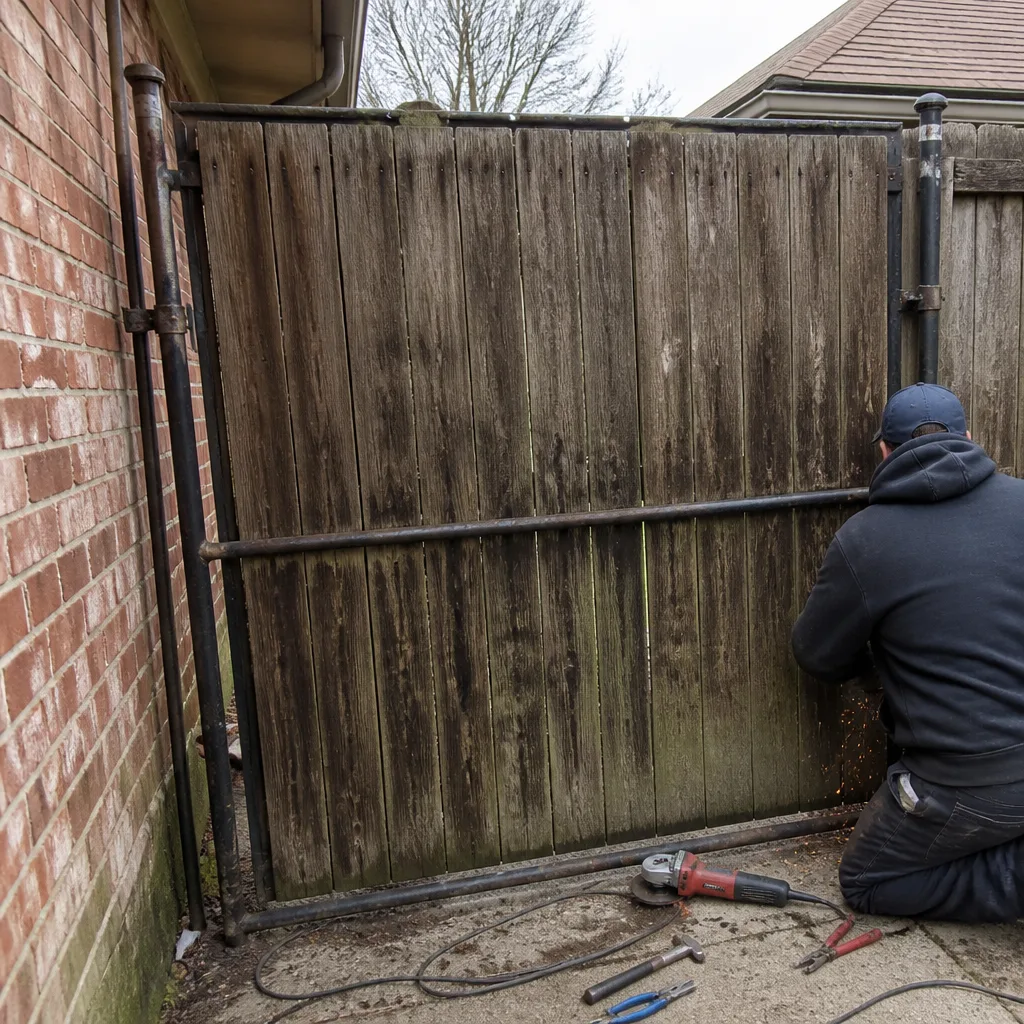 Before
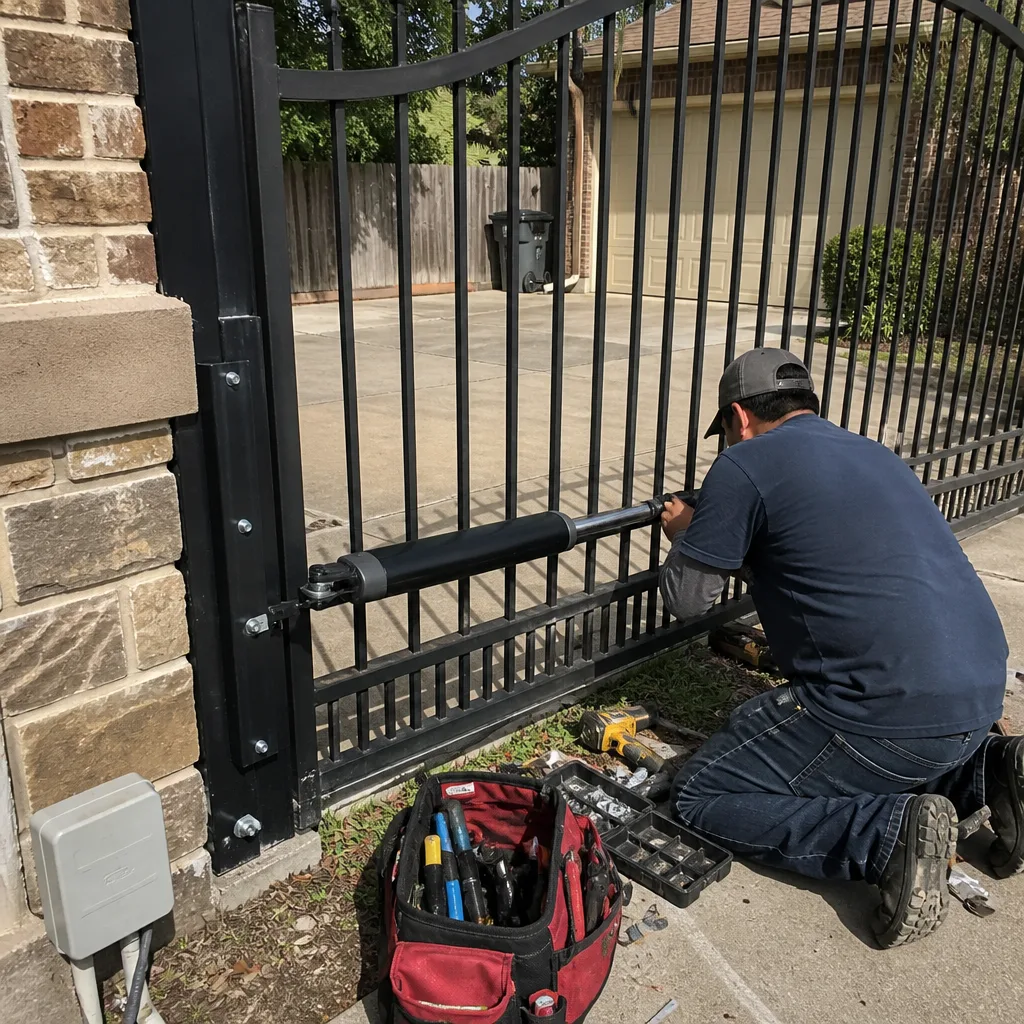
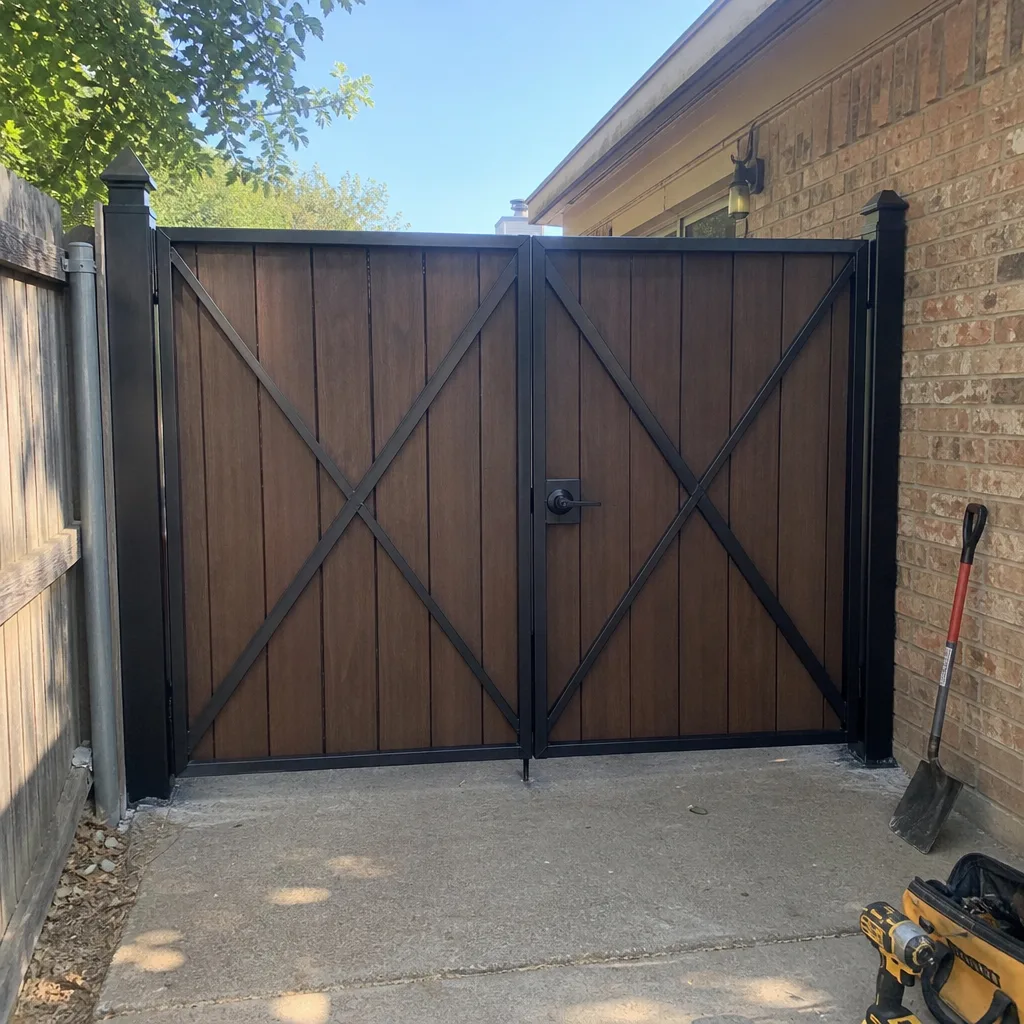 After
After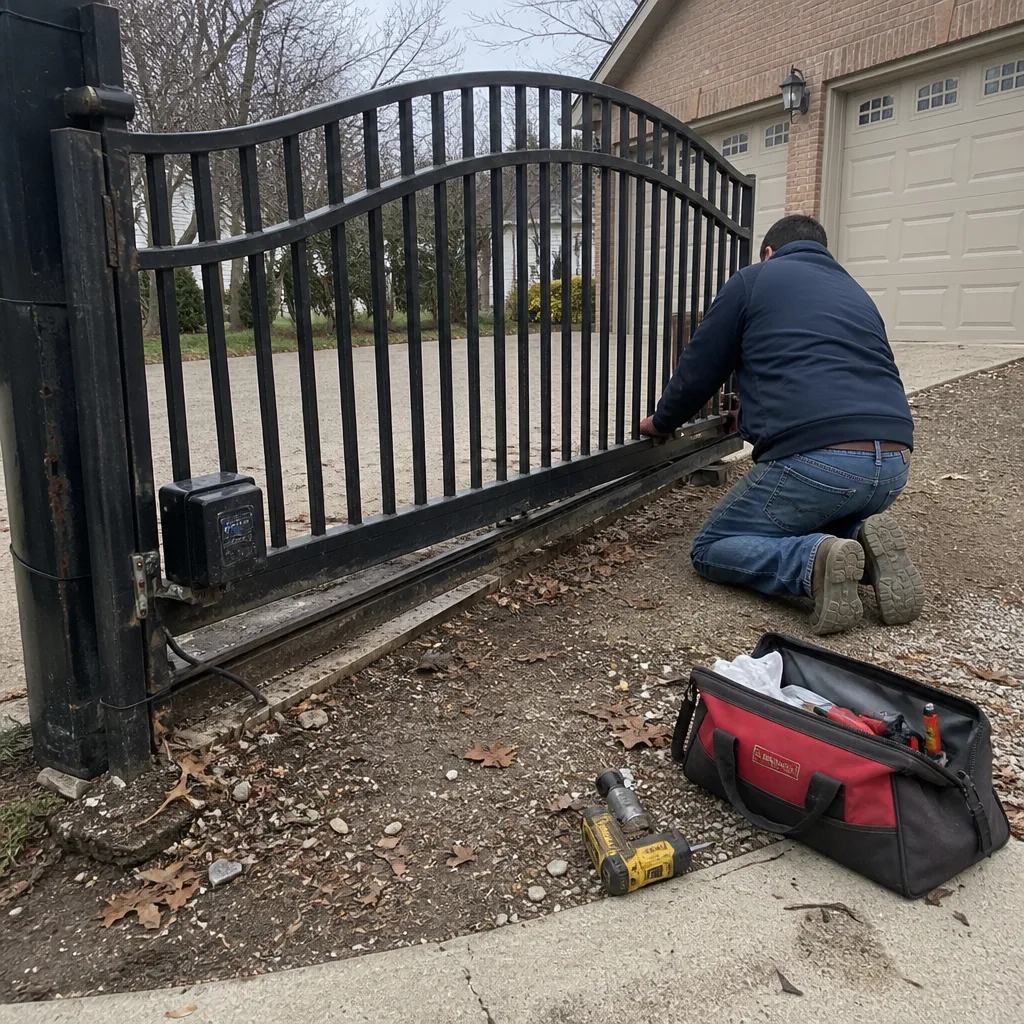 Before
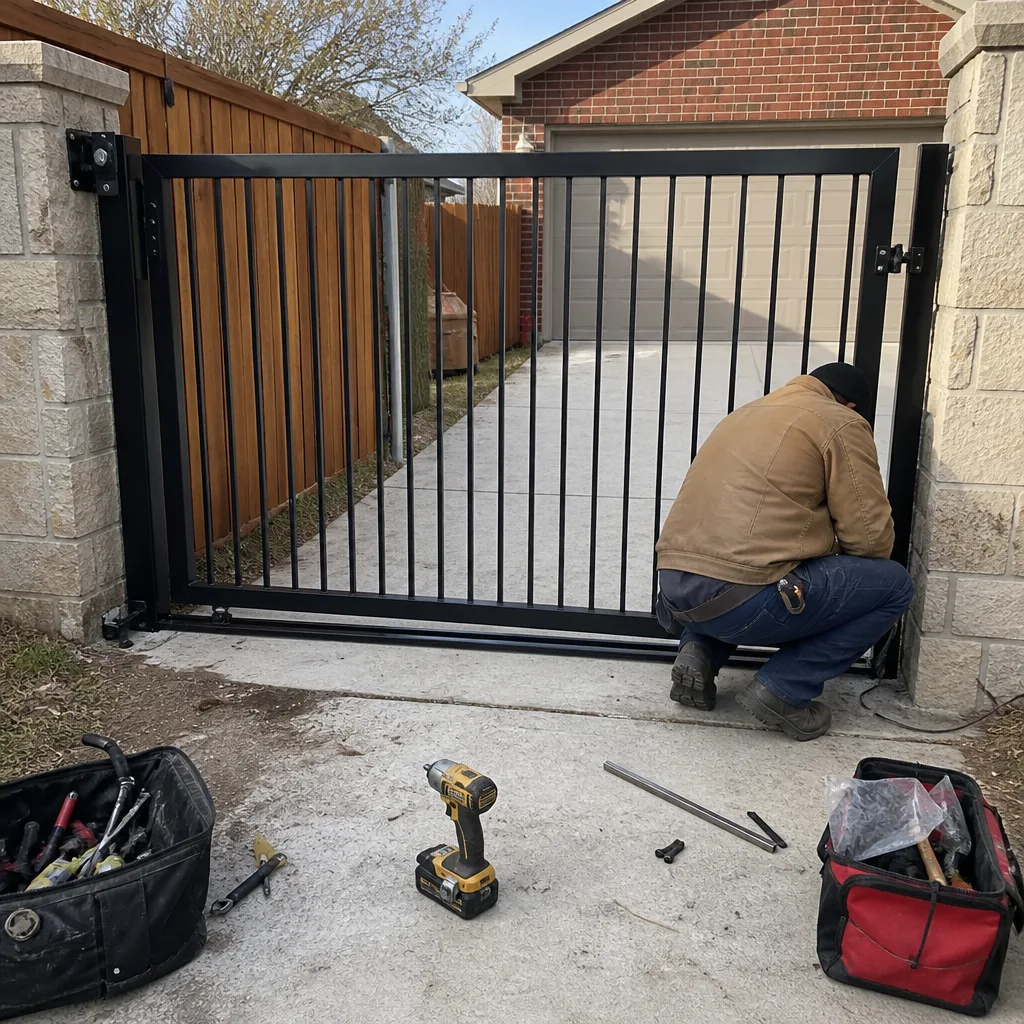 After
After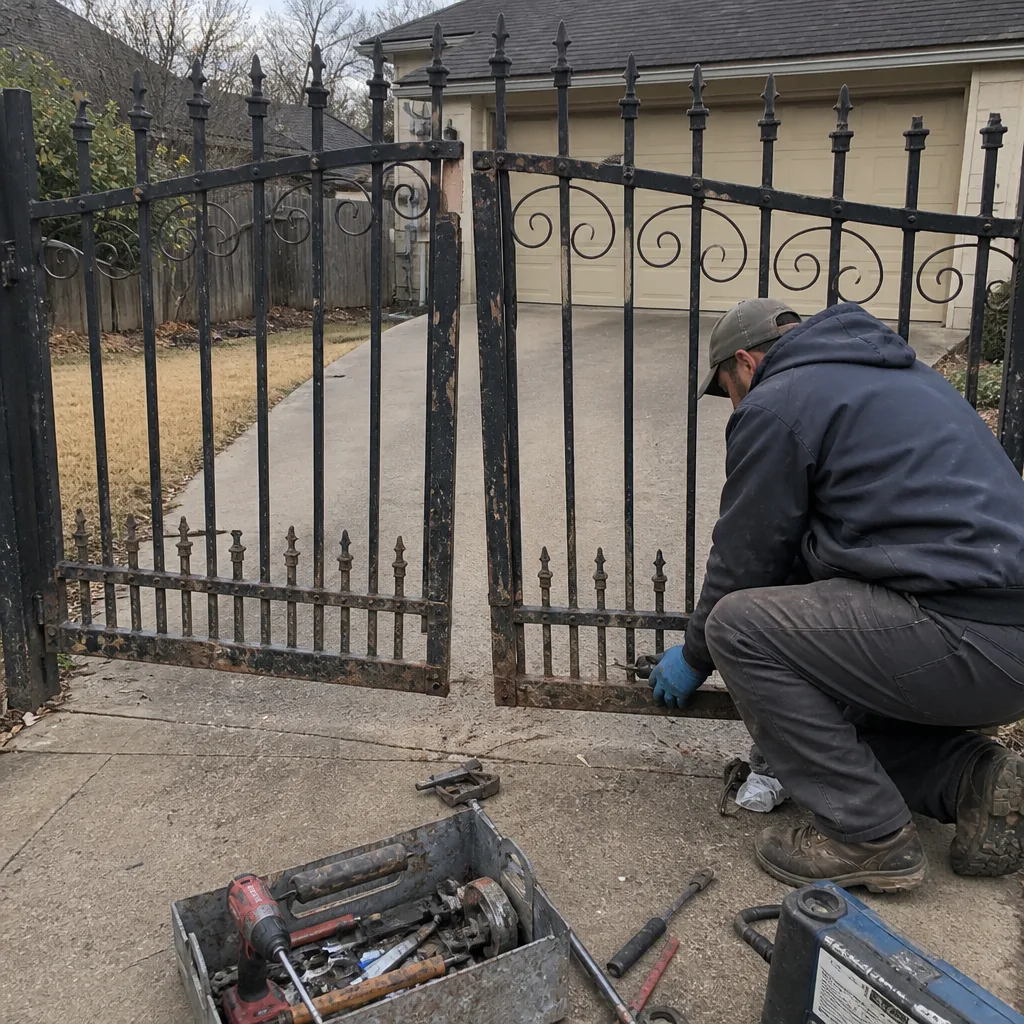 Before
 After
After